Step 01
Learn
Short lessons, one idea each. Nothing is explained twice and nothing is padded to fill a runtime.
HySelective · Self-paced program
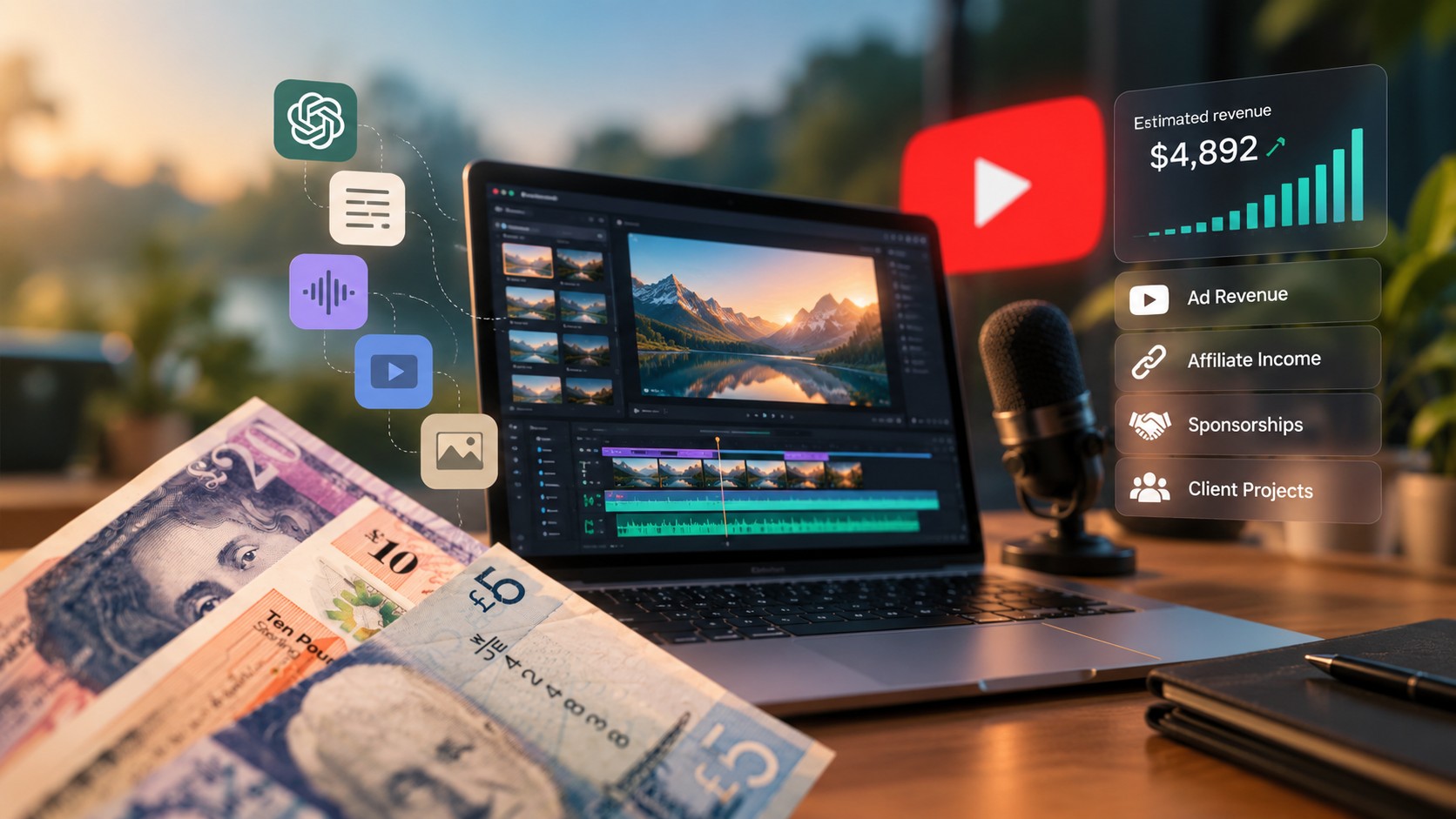
A complete production system for AI-generated video — write it, voice it, render it, cut it, package it, publish it — built toward the part most courses skip: how AI video channels actually earn money on YouTube. Ad revenue and RPM, affiliates, sponsorships, and producing video for paying clients, plus the monetization rules YouTube applies before any of it is possible.
We teach the paths and the requirements. We promise no income, no monetization approval, and no timeline — here's why.
modules · lessons · lifetime access · updated as tools change
01 Overview
A production pipeline you build once, then repeat — taught in the order you would actually work, and pointed at revenue from module 1.
A structured, self-paced program that walks you through one complete AI video production pipeline, then shows you how to repeat it. You follow along and build a real channel and a real video — not a folder of notes. Every module hands its output to the next, so by module 6 you are cutting a video from assets you made yourself.
It is built around the commercial end of the work, not just the craft: which niches carry a higher RPM and why, what the YouTube Partner Program requires before ad revenue is possible at all, how affiliate and sponsorship income is priced, and how the same pipeline is sold as a production service to paying clients. Module 9 is entirely about those paths, and module 10 is about producing enough volume for them to matter.
It is not a template pack, not a bot, and not an automation that runs your channel for you. It is not a promise about income. It is training and practice support: lessons, written SOPs, and a fixed order to work through.
You are comfortable using a computer for a few focused hours a week, you are willing to publish work you are not fully proud of yet, and you would rather learn a process than chase a trend. If you already run a monetized channel with a full production team, this will be too foundational.
Step 01
Short lessons, one idea each. Nothing is explained twice and nothing is padded to fill a runtime.
Step 02
Each module ends with a deliverable that becomes part of your channel — a brief, a script, a voice profile, a shot library.
Step 03
Module 6 ends with your first published video, cut from the assets you produced in modules 2 to 5.
02 Fit
The program suits a specific kind of person. If that is not you, we would rather you knew now.
This is for you if
This is not for you if
03 Advantages
Seven deliberate decisions about structure — each one is a thing we chose, not a feature list.
No jumping between disconnected tactics. Every module hands its output to the next, so you always know what you are building and why it comes now.
The process is taught first, the buttons second. When a model or an app changes — and it will — your workflow survives it and you swap one step.
YouTube's rules on AI disclosure, reused content and monetization are covered as part of production. They shape how you script and publish, not a warning slide at the end.
You finish each module with an asset: a niche brief, a script, a voice profile, a shot list, a thumbnail set, a published video. Progress is visible in files, not in lessons watched.
The back half of the program is SOPs, templates and batching, so one video's effort produces several. That is the difference between a hobby upload and a channel.
Lessons affected by a major model or policy change get re-recorded, and your access includes those updates. updates went out in the last 12 months.
Ad revenue, affiliates, sponsorships and client production are taught as concrete paths with their own requirements and pricing — alongside the analytics that tell you which videos are worth repeating. What any of it pays depends on your niche, your output and YouTube's decisions, so we promise nothing: read the disclaimer.
04 Program
Ten modules in order. Each one ends with something you've made — and the last two turn the pipeline into revenue paths and volume.
00:00:00 · Module 01
Deliverable
A configured channel and project workspace.
00:38:00 · Module 02
Deliverable
A one-page niche and format brief.
01:24:00 · Module 03
Deliverable
A finished 8-minute script.
02:10:00 · Module 04
Deliverable
A mastered narration track.
03:05:00 · Module 05
Deliverable
A complete shot library.
04:20:00 · Module 06
Deliverable
Your first published video.
05:40:00 · Module 07
Deliverable
A tested title and thumbnail set.
06:55:00 · Module 08
Deliverable
A publishing SOP and content calendar.
08:30:00 · Module 09
Deliverable
A monetization plan for your channel.
10:15:00 · Module 10
Deliverable
Your production system, documented.
Bonus track
Revenue paths
taught in module 09
Module 6 ends with a published video. If you follow the program in order, that happens in your first month.
Publishing is a step you control. What happens after you publish isn't.
Earnings & results disclaimer →05 Tools
Categories first, specific apps second — you can swap any of them and still run the process.
| Category | What it does in the pipeline | Common options | Typical monthly cost |
|---|---|---|---|
| Language model | Scripting, research, ideation | Claude, ChatGPT, Gemini | Free tier to ~$20–25 |
| Image generation | Stills for every shot | Midjourney, Flux, Ideogram | ~$10–30 |
| Video generation | Motion from stills or text | Veo, Kling, Runway, Luma, Sora | ~$10–95, usage-based |
| Voice / TTS | Narration | ElevenLabs, PlayHT, or your own microphone | Free tier to ~$22 |
| Music & SFX | Beds, stingers, ambience | Suno, Epidemic Sound, YouTube Audio Library | Free to ~$15 |
| Editing | Assembly, captions, export | DaVinci Resolve (free), CapCut, Premiere Pro | Free to ~$23 |
| Thumbnails & channel art | Packaging | Figma (free), Canva, Photoshop | Free to ~$15 |
| Research & analytics | Titles, demand, performance | YouTube Studio (free), VidIQ, TubeBuddy | Free to ~$20 |
| Organization | SOPs, calendar, asset tracking | Notion, Google Sheets, a folder structure | Free |
| Hardware | Any laptop from the last ~5 years, 16 GB RAM comfortable | Headphones, ~200 GB free storage | One-off |
Free stack
~$0Everything on free tiers plus one paid video-generation credit pack. Enough to complete the program and publish.
Starter stack
~$45–70 /moOne paid language model, one image tool, a voice subscription.
Pro stack
~$150–200 /moHigher video-generation limits, paid music licensing, analytics tooling.
Tool subscriptions are paid to those companies directly and are not included in the program price. Prices and free tiers change often — check each vendor before you subscribe.
HySelective is not affiliated with, endorsed by, or sponsored by YouTube, Google, or any of the tool providers named on this page. All product names and trademarks belong to their respective owners.
06 Numbers
Only figures we can check in our own records. Nothing here describes what a student earned.
Since the first cohort in .
In a fixed, ordered sequence.
Short, one idea per lesson.
Plus written SOPs for every module.
Prompt library, scripts, checklists.
Re-recorded when tools or policies change.
Figures last verified . Enrollment counts registrations, not outcomes.
We don't publish student income figures or success rates, because we don't systematically track them. Anything we can't verify, we don't claim.
07 Enrollment
Four steps, no phone calls, no sales sequence.
Step 1
Submit the form below. It takes about 30 seconds.
Step 2
We email your access details and an invoice from HyStudio
Step 3
Module 1 gets your workspace and channel ready in about an hour.
Step 4
Ten modules, at your pace, with lifetime access to updates.
Pricing and current intake details are sent by email after you register.
08 Register
Fill this in and we'll email your access details and payment instructions. No card details are collected on this page.
09 FAQ
Twelve answers, including the ones that might talk you out of registering.
No. Module 1 sets up your workspace, accounts and file structure from nothing, and every tool is introduced when you first need it. If you have edited video before you'll move faster through module 6, but nothing earlier assumes it.
Plan on four to six focused hours a week. The lessons themselves run about in total; the rest of the time goes into the deliverable at the end of each module. The program is self-paced, so you can compress or stretch that as your week allows.
Third-party tools. You can complete the whole program on free tiers plus one paid video-generation credit pack. A comfortable paid stack is roughly $45–70 a month.
Those subscriptions are paid to the vendors directly and are not included in the program price. Prices change often, so check each vendor before subscribing.
No. The whole method is built for faceless channels. Module 4 covers synthetic narration in detail and also shows you how to record your own voice if you prefer it — that choice is yours and it doesn't change the rest of the pipeline.
Yes, with conditions. YouTube allows AI-assisted content but requires disclosure of realistic synthetic media, expects original commentary or value rather than reused material, and does not monetize mass-produced, repetitive content.
Module 1 covers what the platform allows and what it demonetizes, and compliance is taught inside production rather than as a footnote. Platform rules change — verify current policy in YouTube's own help centre before you publish.
We don't give a timeline. Monetization depends on YouTube Partner Program thresholds, your publishing volume and quality, your niche, and YouTube's own review decisions — none of which we control.
Module 9 explains the requirements and how to work toward them, and makes no promise about when or whether you reach them. See the earnings & results disclaimer.
No. This is an educational program: it teaches a process and supports your practice. It does not promise views, subscribers, monetization approval, revenue or clients.
We don't systematically track student outcomes, so we publish no success rates and no earnings figures. The full reasoning is in the earnings & results disclaimer.
Yes. Module 9 includes a section on offering AI video production as a service, with rate cards and outreach. Your licence covers your personal use of the material to do that work; it does not let you resell, re-record or redistribute the course itself.
The program is in English and every lesson has English captions. Written SOPs, prompts and checklists are in English too.
Yes. Lessons affected by a major model, app or policy change get re-recorded, and your access includes those updates at no extra cost. Because the method is taught before the buttons, most changes affect one lesson rather than the workflow.
Because the program grants immediate access to digital content, refund requests are considered on a case-by-case basis. Contact us within 14 days of registration and we will review your request in line with UK consumer law, including the Consumer Contracts Regulations 2013 and the Consumer Rights Act 2015. Full terms are in the cancellation and refunds sections of the Terms of Use.
HySelective, the education brand of HyStudio — a company registered in Manchester, United Kingdom since 2012. That company produces and sells the program and issues your invoice. Details are on the contact page.
10 Company
HySelective is the education brand of HyStudio, a company registered in Manchester, United Kingdom since 2012.
The program is produced and sold by that company. Invoices, contracts and data-protection duties sit with it, and it is who you are contracting with when you register.
Ten modules, one pipeline, and every revenue path this format actually has.
Register for the programEducation program · No income guarantee · See disclaimer